 meleap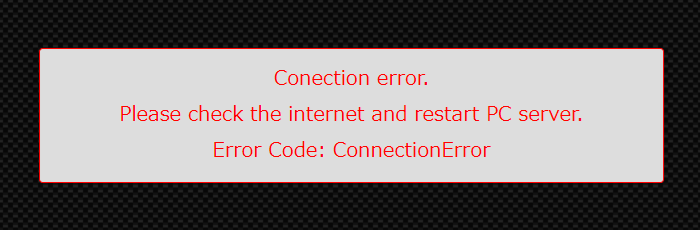

The PC server is not properly connected to the Internet or meleap server.
Check the following items and restart the HADO server (start).
– When connecting to the Internet via a wired LAN cable:
1. The LAN cable is connected to the WAN (Internet) port of the HADO router that can connect to the Internet.
2. The WAN (Internet) port of the HADO router is NOT connected to the server PC with a LAN cable.
3. The server PC is connected to the LAN port of the HADO router.
– For wireless (Wi-Fi) Internet connection:
1. The PC server is connected to a Wi-Fi that has Internet access available (not connected to the HADO router’s Wi-Fi (HADO-5GHz)).
If the problem remains unresolved, check the following.
1. Is your the Internet connection network using a proxy server?
In many cases, the network is prepared by the network administrator.
Ask the person in charge if a proxy server is being used.
If a proxy server is used, refer to the following procedure to set up the proxy server.
1. Right-click the Windows symbol in the lower left corner→[Settings]→[Network and Internet].
2. Click “Proxy” in the left pane, and turn “Use Proxy Server” in “Manual Proxy Setup” to “On.
3. Enter the IP address and port of the proxy server in “Proxy IP address” and “Port,” respectively.
4. Enter the proxy server except, if there is any
5. Check “Don’t use the proxy server for local internet addresses” click “Save” button